We love games here at GameLens Hub – that is the whole point of this site. But long sessions can leave you with tired eyes, a stiff neck and a late night you regret the next morning. Building a few healthy gaming habits is not about playing less for the sake of it; it is about feeling good enough to keep enjoying the games you love.
This guide covers breaks, eyes, posture, sleep, water and balance, plus the tools parents can use. It is general wellbeing advice, not medical advice – if something hurts or worries you, please talk to a doctor.
Why healthy gaming habits matter
Most gaming discomfort comes from small things repeated for hours: staring at one distance, holding the same position, gripping a phone or controller tightly and skipping water. None of these is dramatic on its own, but together they add up.
The good news is that the fixes are small too. You do not need expensive gear. A timer, a better chair position and a bit of planning go a long way.
Take breaks: the 20-20-20 rule for your eyes
Eye-care organisations widely recommend the 20-20-20 rule for anyone who spends long periods on screens: every 20 minutes, look at something about 20 feet (roughly 6 metres) away for 20 seconds. It gives the focusing muscles in your eyes a short rest. All About Vision explains the rule in more detail.
There is a second reason to pause. According to the American Academy of Ophthalmology, people blink far less often while looking at screens, which can leave the eyes feeling dry. Consciously blinking a few times during loading screens helps.
- Use natural pause points – the end of a match, a respawn timer or a lobby wait – to look away from the screen.
- Every hour or so, take a longer break of a few minutes: stand up, stretch, get some water.
- Keep the room reasonably lit. Playing on a bright screen in a pitch-dark room is harder on the eyes.
- On phones, avoid holding the screen very close to your face for long periods.
Pro tip: Set a quiet repeating reminder on your phone or smartwatch. In a long ranked session, it is very easy to lose track of time.
Posture and wrist care
How you sit matters more than what you sit on. Whether you play on a PC, console or phone, the aim is a relaxed, neutral position you can hold without strain.
For PC and console players
- Sit back in the chair with your back supported and feet flat on the floor.
- Keep the top of the monitor around eye level so you are not tilting your head down or up.
- Keep your wrists fairly straight on the keyboard and mouse rather than bent sharply upwards.
- For TV gaming, sit far enough away that you can see the whole screen without turning your head.
For mobile gamers
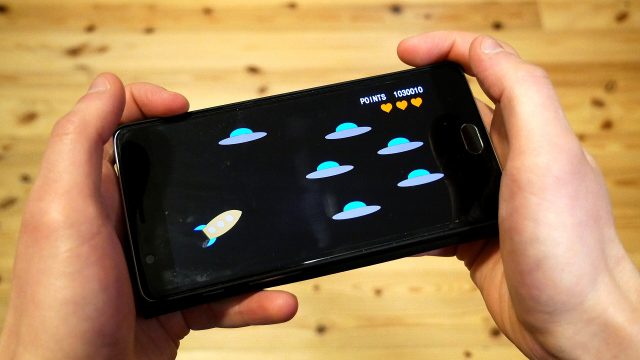
Mobile gaming often means hunching over with the phone at chest level. Try resting your elbows on a pillow or table so the phone sits higher and your neck stays straighter. A simple phone stand with a controller also works well for longer sessions.
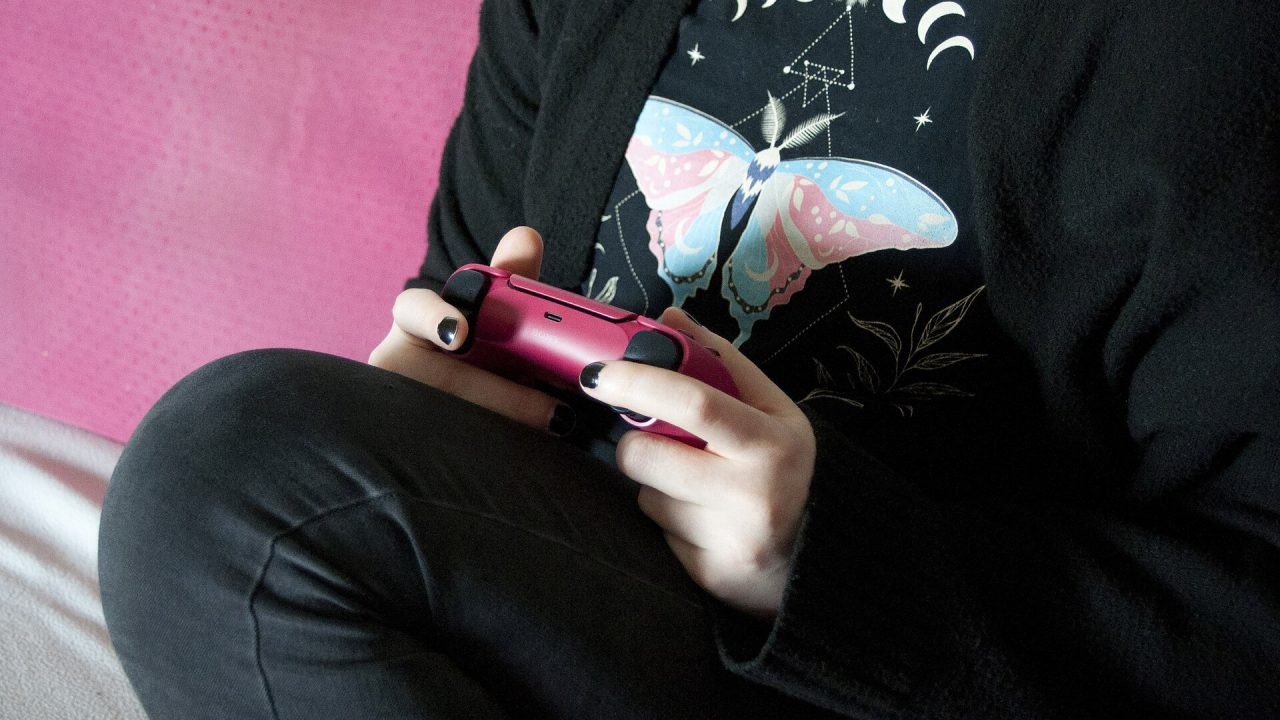
Between matches, open and close your hands, gently roll your wrists and shoulders, and loosen your grip. Many of us squeeze the controller or phone much harder than we need to during intense moments.
Protect your sleep
“One more match” is the most dangerous phrase in gaming. Late sessions push bedtime back, and an exciting game right before bed can make it harder to switch off.
- Decide your stopping time before you start, not when you are already mid-session.
- Finish competitive matches well before bedtime and wind down with something calmer.
- Turn on your phone’s night or eye-comfort mode in the evening, and keep notifications quiet at night.
- If you play with friends in other time zones, agree on session times that work for everyone’s sleep.
Hydration and snacks
It is easy to forget to drink water while focused on a game. Keep a bottle nearby – ideally one with a lid, far away from your keyboard. Going to refill it is also a handy built-in break.
Heavy snacking while gaming tends to be mindless. Simple, less greasy snacks also keep your controller and screen cleaner.
Balance screen time with the rest of your life
There is no single “correct” number of hours for everyone. A better question is whether gaming fits alongside the things that matter – school or work, family, friends, exercise and sleep. If those are going well, you are probably in a good place.
| Habit | Simple way to start |
|---|---|
| Eye breaks | 20-20-20 rule during loading screens |
| Movement | Stand and stretch every hour |
| Sleep | Fixed stop time on school or work nights |
| Water | Bottle on the desk, refill between sessions |
| Balance | Plan gaming after key tasks, not instead of them |
Pro tip: Your phone’s built-in digital wellbeing or screen time dashboard shows how long you actually spend in each game. The real number is often a surprise.
Signs that gaming may be becoming a problem
For most people, gaming is a healthy hobby. However, the World Health Organization includes “gaming disorder” in its International Classification of Diseases (ICD-11), which came into effect in 2022. The WHO describes it as a pattern of gaming with three features:
- Impaired control over gaming – such as how often, how long or when you play.
- Increasing priority given to gaming over other interests and daily activities.
- Continuing or increasing gaming despite negative consequences.
The WHO adds that, for a diagnosis, the pattern must be severe enough to cause significant problems in personal, family, social, educational or work life, and would normally have been visible for at least 12 months. In other words, a long weekend session does not mean someone has a disorder.
Still, it is worth noticing warning signs early: feeling unable to stop, skipping meals or sleep regularly, falling behind in studies or work, or losing interest in friends and other hobbies. If this sounds familiar for you or someone close to you, talking to a family member, a counsellor or a doctor is a sensible step.
Parental controls that help families
For parents, the goal is guidance, not punishment. Talking with children about which games they play and agreeing on rules together usually works better than sudden bans. The built-in tools below make those rules easier to follow.
- Google Family Link (Android): set daily screen time limits and downtime, set time limits for individual apps, require approval for new apps from the Play Store and manage content filters. Details are on the official Family Link page.
- Xbox Family Settings app: screen time schedules, age-based content filters and spending controls for Xbox consoles and Windows PCs.
- PlayStation Family app and parental controls: daily playtime limits, monthly spending limits, age-appropriate content settings and controls over communication features.
- iPhone and iPad: Apple’s Screen Time settings offer app limits, downtime and content restrictions.
Features and menu names can change with updates, so check the official help pages for your device at the time you set things up.
Final thoughts
Healthy gaming habits are small, boring and extremely effective: look away, sit well, sleep on time, drink water and keep gaming in balance with everything else. Start with one habit this week and add another next week. Your eyes, back and next-morning self will thank you.
Read also: How to Reduce Lag in Mobile Games: Fix High Ping and Frame Drops · How to Stop Your Phone Overheating While Gaming (and Protect the Battery)
Frequently asked questions
What is the 20-20-20 rule for gamers?
Every 20 minutes, look at something about 20 feet (around 6 metres) away for 20 seconds. It gives your eyes a short rest from focusing on a close screen.
How many hours of gaming a day is healthy?
There is no single number that fits everyone. What matters is whether gaming leaves enough time for sleep, studies or work, physical activity and people around you, and whether you take regular breaks.
Is gaming disorder a real condition?
Yes. The World Health Organization lists gaming disorder in ICD-11. It involves impaired control, gaming taking priority over other activities and continuing despite harm, usually for at least 12 months. Playing a lot does not by itself mean someone has it.
How can I limit my child's gaming time on Android?
Google Family Link lets parents set daily screen time limits, downtime, individual app limits and approval for new app downloads on a child’s Android device.